01
Rules attached to the step that needs them.
Conditions and approvals belong to a workflow stage — not to a separate document.

In L3RA, responsibilities, status gates, and role-based actions are defined and enforced by the system. Control is expressed step by step inside the operation, not as a banner across it.
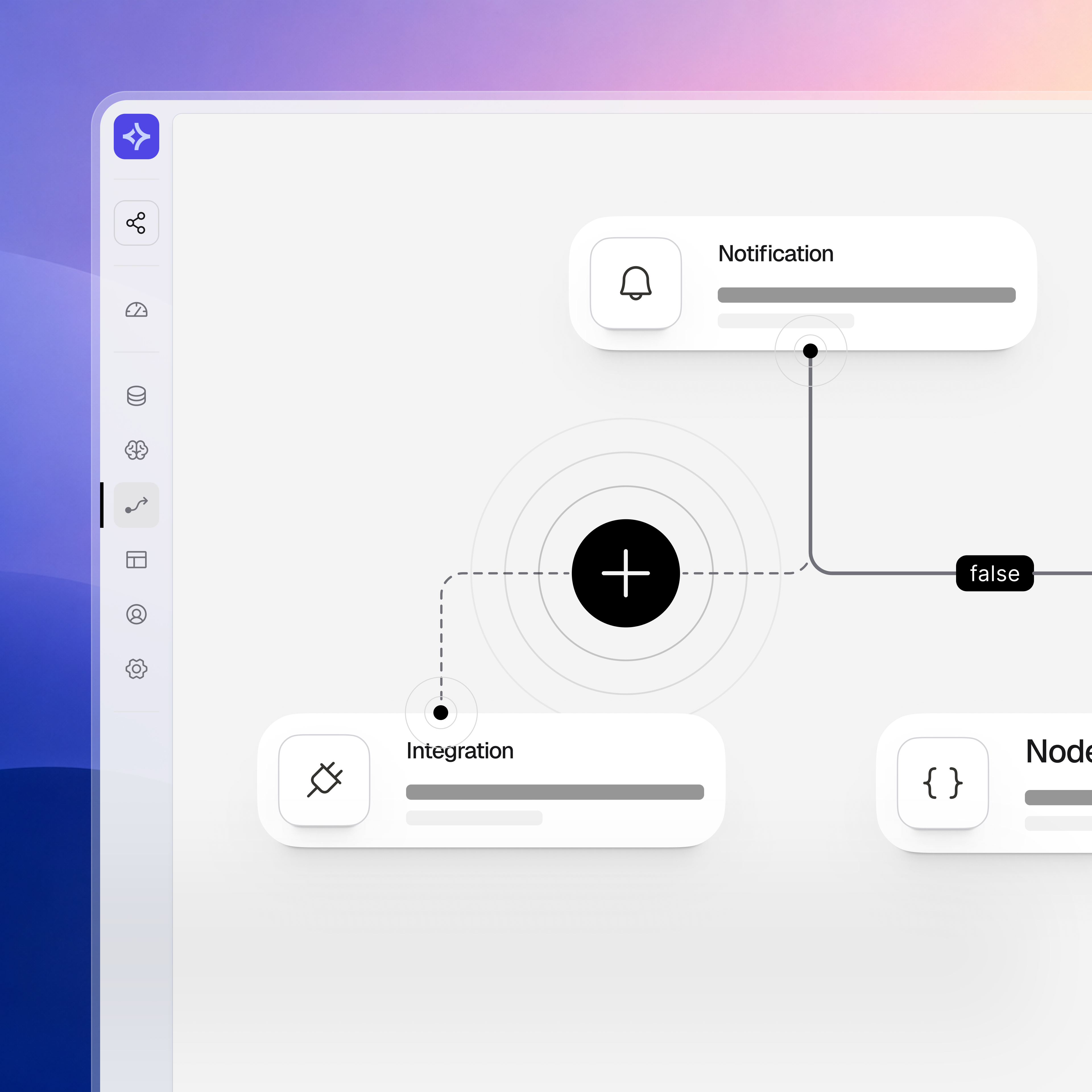
When approvals live in email and responsibilities live in habit, the process drifts. Decisions take longer than they should, and accountability is reconstructed after the fact. L3RA puts the rules inside the workflow itself, where they apply at the moment of action.
Conditions and approvals belong to a workflow stage — not to a separate document.
A role acts at every stage. Responsibility is not assumed; it is configured.
What happened, who acted, and in what context stays with the operation that produced it.
The operational layer keeps control of process, data, roles, and activity history with the people who run the work. L3RA models the work without hiding it inside vendor-specific tools.
Workflows, records, and access are configured around how the company works — not as vendor defaults.
The process is configured inside the layer. Conditions, steps, paths, and approvals are defined where the work actually runs.
Access reflects organizational responsibilities. Roles and groups define who acts at each step.
Activity stays with the record that produced it. The record carries the decision context.
Three questions every controlled workflow has to answer. L3RA answers them at the moment of action — not as a retrospective reconstruction.
Users, roles, and groups define who is allowed to act at each workflow step. Access is part of the workflow configuration — not a separate matrix maintained on the side.
Activity events capture the steps taken and the context they happened in. Records carry their own activity history inside the layer.
Every step has an owner. Notifications and dashboards keep that ownership visible to the people responsible for the workflow as a whole.
Control is applied where work happens: in workflow paths, stage logic, role-based actions, activity history, and operational updates.
The process moves step by step under defined conditions. The path is configured once and applied to every instance of the same operation. A request cannot skip a step that the path requires.
Conditions can be applied at workflow stages so the process follows the way the work actually happens — not as a generic flow on top of unrelated data.
At each step, only the configured role can act. Responsibility for the step is explicit, and the system enforces it — the workflow does not depend on convention.
What happened, who acted, and in what context. Activity events stay with the record — not assembled from email after the fact.
When workflow state changes, notifications inform the relevant users. Updates are part of the workflow, not a separate communication channel.
A request moves through a controlled sequence: intake, record, workflow, role, view, and notification. Control is distributed across the flow; it does not live in a single feature.