01
Structured records
Each record has defined fields, defined relationships, and a defined role in the business process.

Operational data and access are configured together in L3RA. The records the business actually works on, the operational views different roles need, and the users, roles, and groups that govern access are part of the same layer.
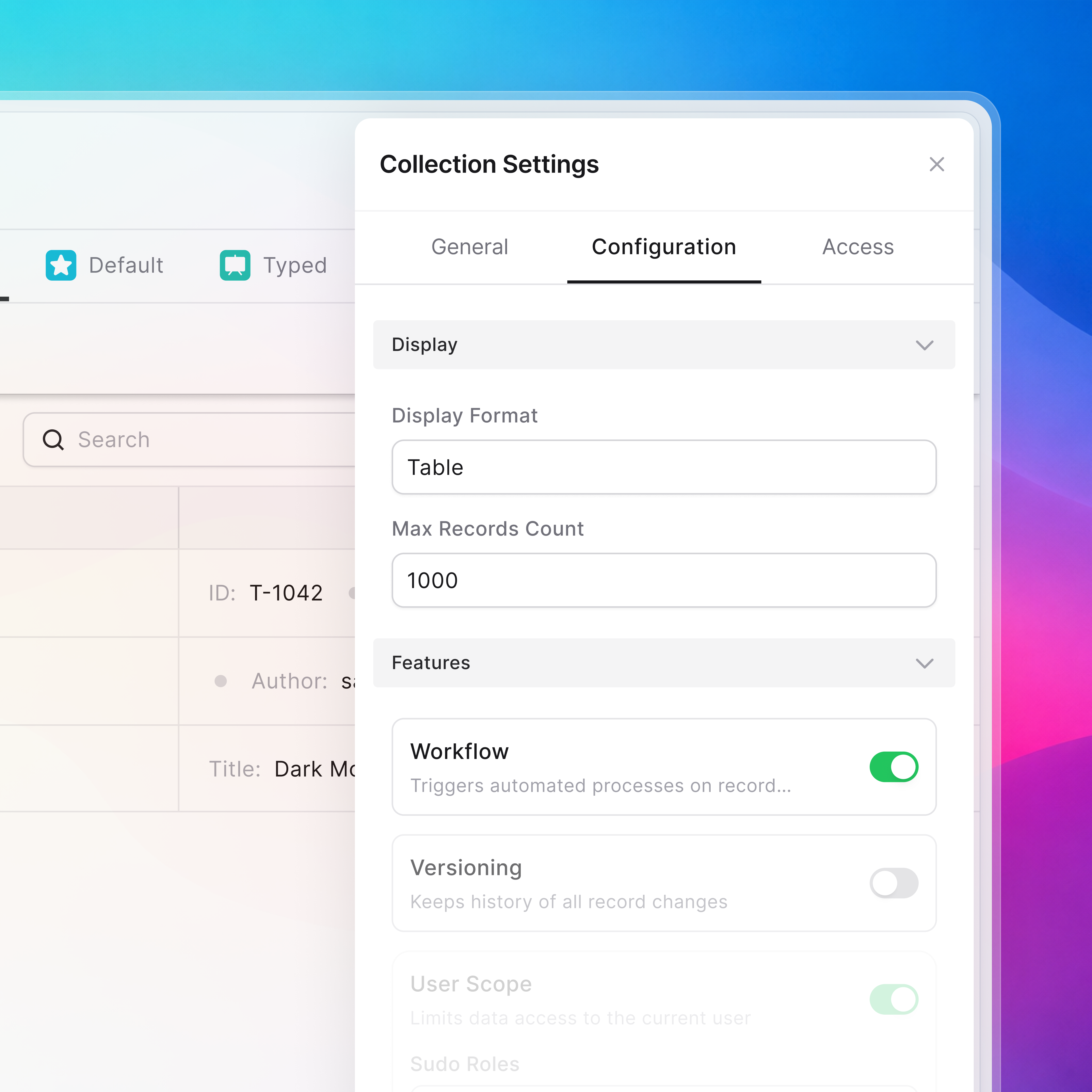
Records, views, and files connected to records are configured inside the layer. Together they let the system route the work, show it to the right roles, protect it, and update it through the workflow.
Each record has defined fields, defined relationships, and a defined role in the business process.
Records are surfaced for different roles and working contexts. The same work can be read through several role-shaped views.
Supporting files stay with the record they belong to — not in a parallel folder structure on the side.
Users, roles, and groups are part of the layer. The same role definitions that govern workflow steps also define who sees which records and views.
People allowed into L3RA. Each user belongs to the work through their role — not through a generic account model.
Roles describe what a person does in the workflow. Steps, views, and actions are configured around roles — not around individuals.
Groups collect users who share responsibility: a team, a partner, or a function. Access can be reasoned about at the group level.
Configured to match existing policies where applicable. The company keeps its own identity practices intact.
Records carry the steps taken, the roles that took them, and the context they happened in — without separate tooling on the side.
Each activity event names the workflow step it belongs to.
Activity history is attached to the role responsible at the moment of action.
Activity stays with the record, so the work has its own history.
A record is what the workflow moves through. It carries the fields the work needs, the relationships it depends on, and the access context that decides who can act on it.